
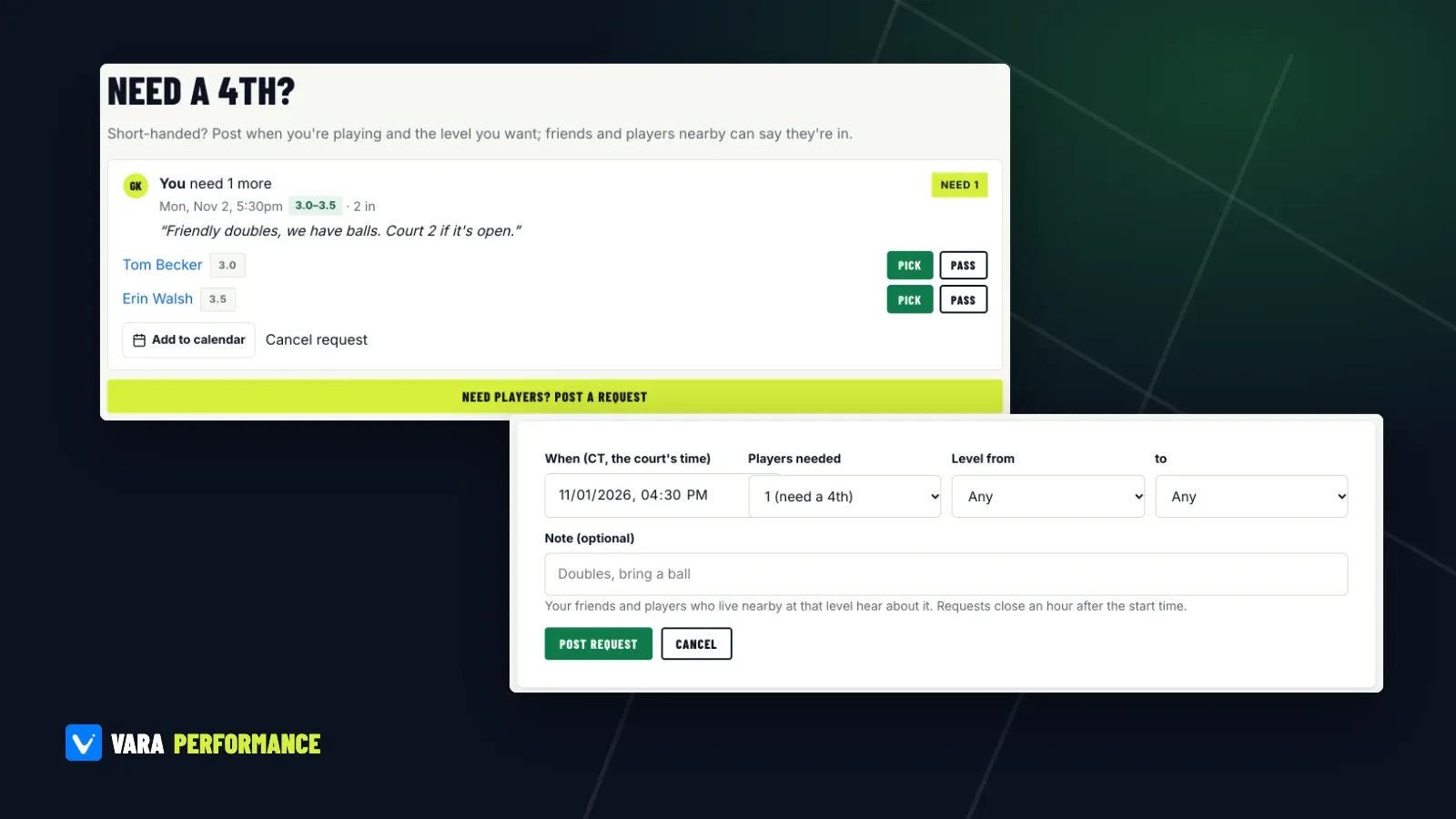
Every regular player knows the text thread. "Anyone free at 5:30? We have three." Then silence, then someone who can make it at 6:15, then someone else who can't play doubles after all. By the time it's sorted, the court is gone.
Doubles needs exactly four people, and the fourth is always the hardest. This guide covers three ways to fill that spot on Vara Performance, from the fastest (a Need a 4th request) to the most reliable over time (a group of people who already play together).
Option 1: Post a Need a 4th
A Need a 4th is a short request tied to a court and a time: "We're playing here at 5:30, we need one more, level 3.0 to 3.5." Nearby players at that level hear about it and can say they're in. You pick who joins.
How to post one
Requests are posted from the court's page, so the time and place are never in doubt. Open the court you're playing at (search for it, or find it in Courts), scroll to Need a 4th? and tap Post a Need a 4th.
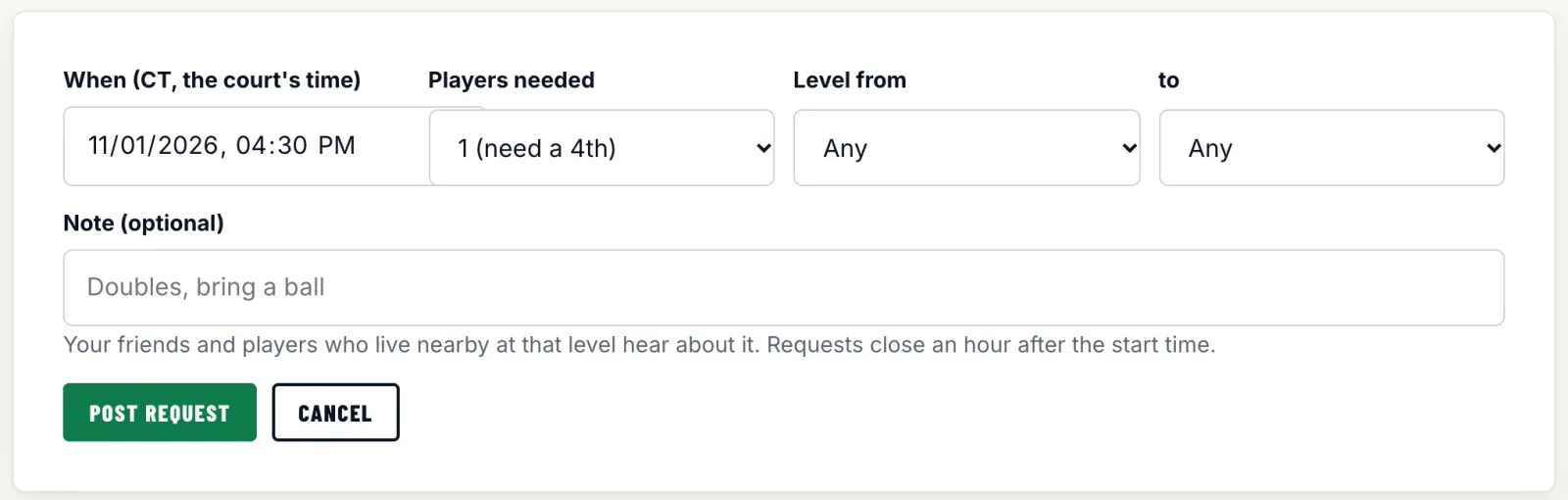
The form asks for four things:
- When. In the court's local time, so a visitor from another time zone sees the right hour. Requests can be up to 3 days ahead.
- Players needed. 1 (need a 4th), 2 or 3.
- Level from and to. A range from 2.0 to 5.5, or Any.
- Note (optional). Up to 140 characters. Use it for what people need to know: "We have balls," "Court 2 if it's open," "Drilling first, then games."
Tap Post request and you're done.
Who hears about it
Your friends on Vara Performance, plus verified players whose home area is within about 15 miles and whose level fits your range. At most 40 people are told, so a request never floods a whole city. It's an in-app notification, and the request also shows on the court's page, on Open play near you for players in the area, and on the city's This week page.
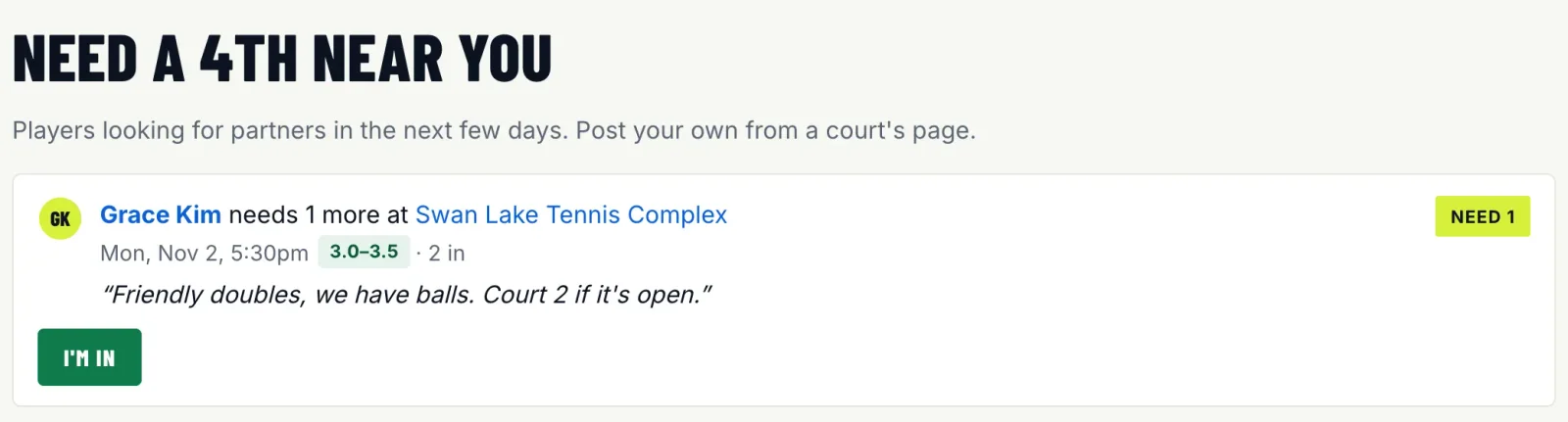
If your profile is private, people who aren't your friends see "A player" instead of your name.
Picking your fourth
When someone taps I'm in, they see "You're in the running. The poster picks." You see each person who answered with their level, and choose Pick or Pass. That keeps you in control: you aren't committed to the first stranger who replies, and you can choose someone whose level fits the game you have in mind.
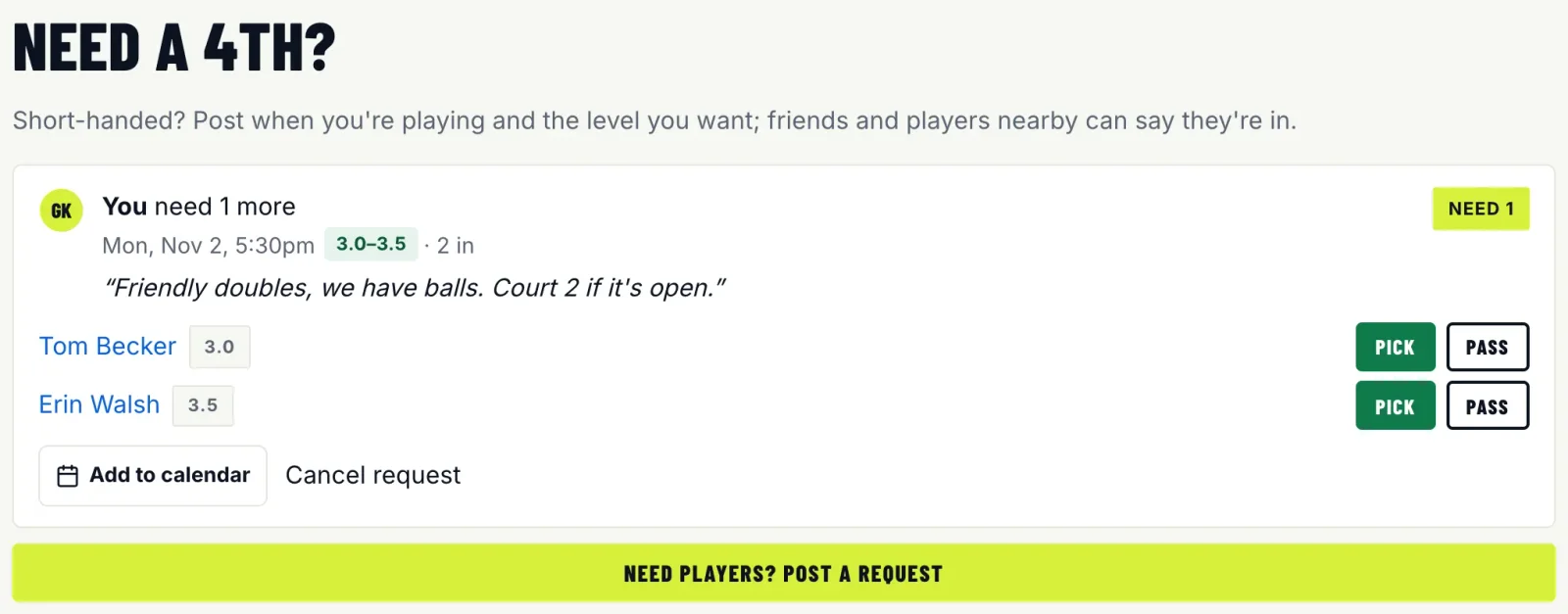
Once every spot is filled, the request closes. If plans change, tap Cancel request and everyone who answered is told. Requests close on their own an hour after the start time.
Getting a better response
A few things make a real difference:
- Post early. A request for tomorrow evening reaches more people than one for 20 minutes from now.
- Use a realistic range. A 3.0 to 3.5 range reaches more players than 3.5 only. If the game is casual, say so in the note.
- Set your own level and home area. Requests go to players whose level fits, so your profile needs to be filled in for the matching to work in both directions.
- Check the court. If you're short at a busy park, there may be open play running there already. The court's page shows a live queue or the day's schedule if there is one.
There are limits to keep things friendly: you can have 2 open requests at a time and post up to 5 a day, and you need a verified email.
Option 2: Find players at your level
Sometimes you don't need a fourth tonight. You need more people to call. Find players lists players near you who chose to be found, filtered by distance, level, and when and how they like to play.
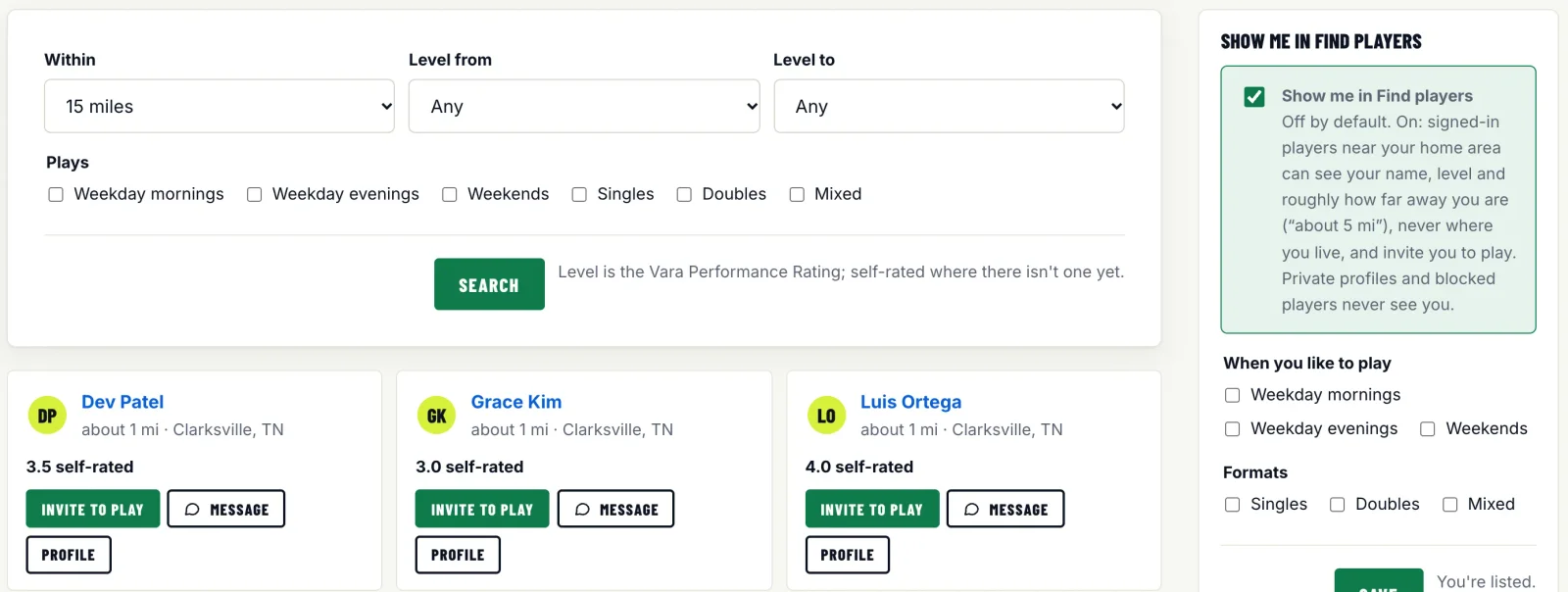
Privacy is built in. Nobody appears unless they turned on Show me in Find players (it's off by default), and distance only ever shows as "about 5 mi", never where someone lives. Private profiles and blocked players never appear.
From a player's card, Invite to play points them at a specific session, an open round robin or your Need a 4th. Invites are limited per day, so nobody gets flooded.
If you'd like to be found yourself, turn the setting on from the same page and add when you like to play: weekday mornings, weekday evenings or weekends, and singles, doubles or mixed.
Option 3: Start a group
The long-term fix for the missing fourth is a group: the people you already play with, organized in one place. A group on Vara Performance has weekly games, a group chat and an updates board, and it runs on the same RSVPs as open play.
The useful part is the automatic invite. You set the weekly game once, and each date's invite goes out on its own (3 days before by default, or anywhere from 1 to 14). Members answer In, Out or Maybe, and the group page shows who's in. If the game fills, the waitlist takes over; if someone drops, the next person moves up.
Groups can be public, listed on Groups with their games shown on Play and court pages, or private and invite-only. Either way they're free, up to 500 members. Start a group, invite your regulars by handle or link, and when you're still a player short on game day, post a Need a 4th from the court.
If your group already lives in a text thread or on social media, you can set it up here in a few minutes and invite everyone with one link.
A simple routine
For most players, this works:
- Keep a group for your regular games, so most weeks fill themselves.
- Turn on Find players and add a few people at your level as friends. Friends hear about your requests whatever their level or distance.
- When you're short, post a Need a 4th from the court as early as you can, with a fair level range and a clear note.
Three players and a court is a solvable problem. Find a court and post your first request.